


Precise outreach, smarter follow-up, higher conversion
From outreach to customer response and ongoing follow-up, connect every step of the conversion journey. One-click push reaches target customers fast, quick replies handle inquiries promptly, and continuous follow-up keeps intent high — bringing every touch closer to conversion.
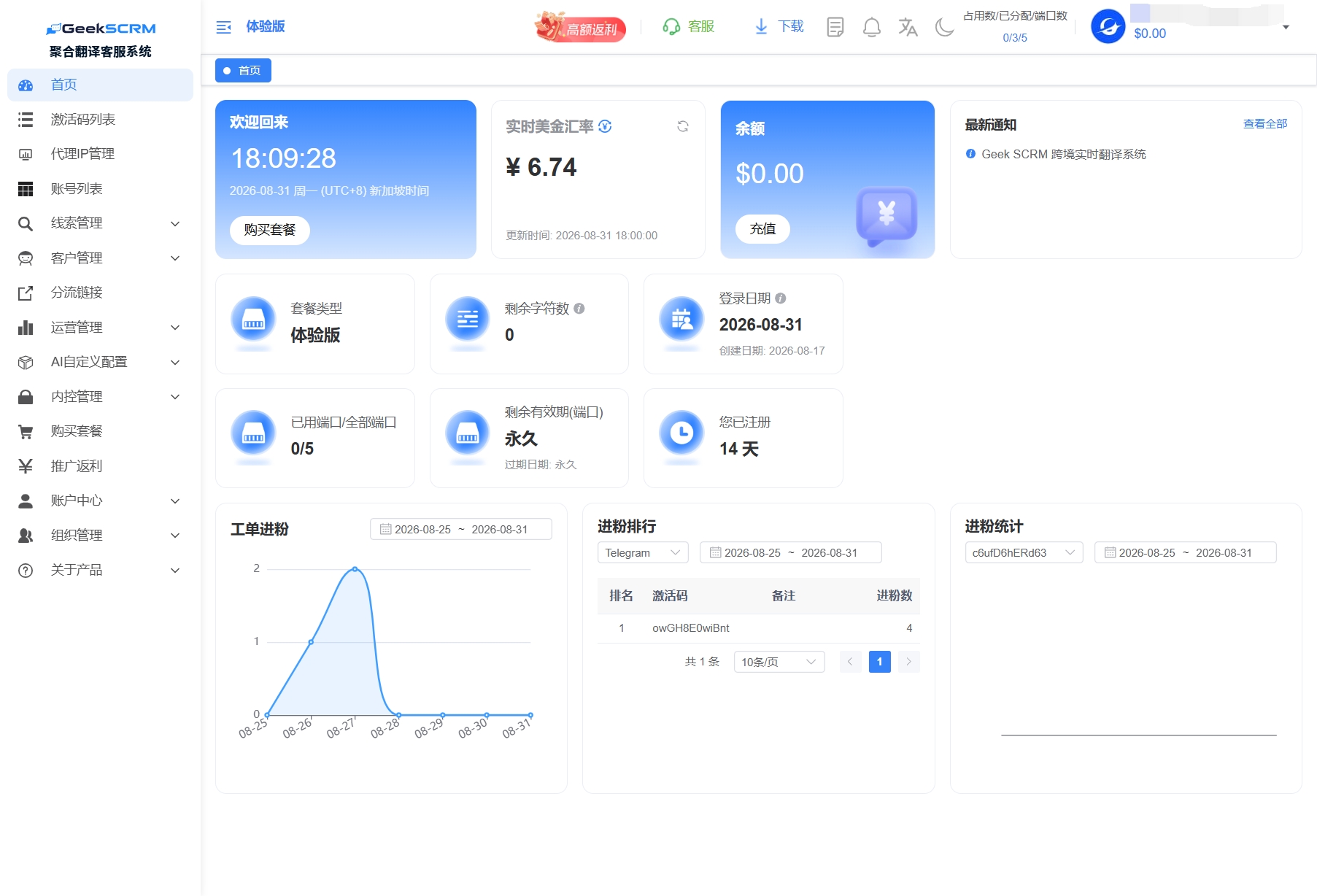
One-click push
Quick replies
Customer follow-up
FAQ
What kind of business is Marketing SCRM for?
Built for outbound/cross-border/overseas brand teams doing private-domain acquisition and social customer operations abroad — a good fit for businesses that need to reach overseas customers at scale, manage leads centrally and improve sales conversion.
Does one-click push risk getting accounts rate-limited or banned?
Replace with a real answer: explain push-rate controls and the risk-control mechanisms in place.
Does customer follow-up automatically remind sales to follow up?
Replace with a real answer: explain the trigger rules and notification channels for follow-up reminders.
Can quick-reply script templates be shared across people with tiered permissions?
Replace with a real answer: explain the sharing scope and permission tiers for script templates.






Connect global customers, unify every conversation
Join GeekSCRM now to manage 13+ mainstream social platforms in one place, handle multiple accounts with ease, and connect with customers worldwide through seamless AI translation